SOLO PROJECT • UX RESEARCH & PRODUCT DESIGN • OCT–NOV 2025
EcoLink
Rangers and researchers are trying to protect wildlife with tools that don't talk to each other. EcoLink is an IoT platform that brings live climate and wildlife data together in one place, so the people on the ground can act while it still matters.
- Role
- UX Researcher & Product Designer
- Team
- Solo
- Timeline
- Oct–Nov 2025
- Tools
- Figma
- Research
- Competitive analysis, user segment mapping across 7 groups, a user narrative
- Deliverables
- Segment map, competitive analysis, 3 connected hi-fi screens
Overview
Problem
Wildlife teams collect a lot of data, but none of it connects or updates in real time. Camera traps, drones, acoustic sensors, and eDNA kits all work on their own. By the time a researcher or ranger pieces it all together, the moment to act has often already passed.
Goal
Bring climate data, wildlife activity, and people's own observations together in one live platform. Connected sensors, live map overlays, and shared reporting tools close the gap between what's happening in the field and the bigger picture.
Impact
This was a solo research project, so there's no usage data. See “What I’d test next” below.
Research
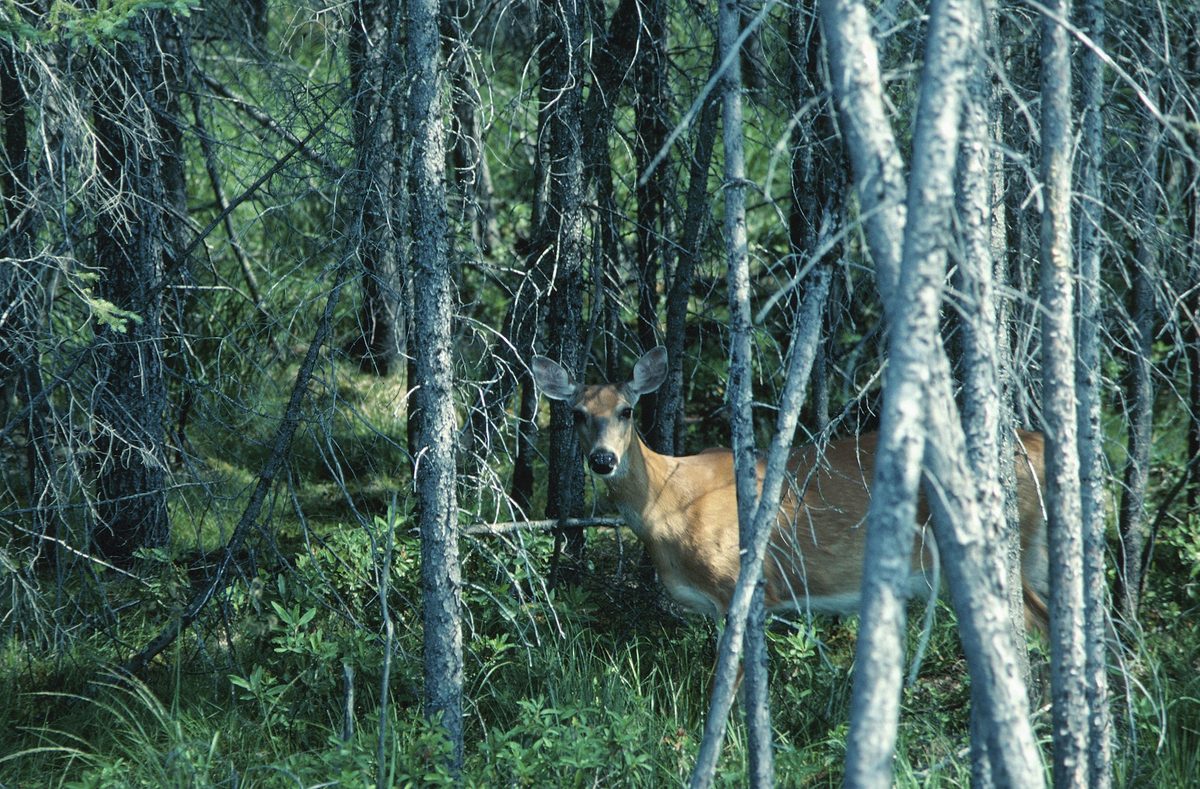
Camera traps, drones, acoustic recorders, and eDNA kits collect valuable data, but research shows they still don't connect. Field teams rarely get updates in real time, so there's a delay between spotting a problem and doing something about it. That delay is what EcoLink is trying to close.
When I looked at what's already out there, I found tools that each solve one piece of the puzzle, but nothing that brings them together:
Photo-ID platforms
They identify and track individual animals from crowdsourced photos and scientific records, but they aren't real-time. Everything depends on manual uploads and slow syncing.
GPS wildlife collars
Great for movement and location data (OpenCollar, for example), but they only track the animals themselves. There's no camera, acoustic, drone, or eDNA data.
Anti-poaching AI cameras
Smart cameras that send alerts from the wild, but they focus only on cameras and poaching, not the whole ecosystem.
Right now, wildlife tools all work separately. Data from cameras, sensors, and trackers doesn't update together, and it's hard for people to actually use.
Insights
Research and a competitive review pointed at the same gap: the data is out there, but no one can see it all at once, in time.
Insight 01
The data exists. It just doesn't connect.
Camera traps, drones, acoustic recorders, and eDNA kits all collect useful data, but each one works on its own.
So EcoLink pulls every source into one shared, live view.
Insight 02
The delay is the real problem.
Field teams rarely get updates in real time, so there is a gap between spotting a problem and acting on it.
So the dashboard leads with live conditions and alerts, not reports after the fact.
Insight 03
Every existing tool solves one slice.
Photo-ID platforms, GPS collars, and anti-poaching cameras each cover one piece, and none of them bring the rest together.
So I designed the connecting layer between tools instead of one more single-purpose tool.
Design decisions
One flexible system, not one screen for everyone
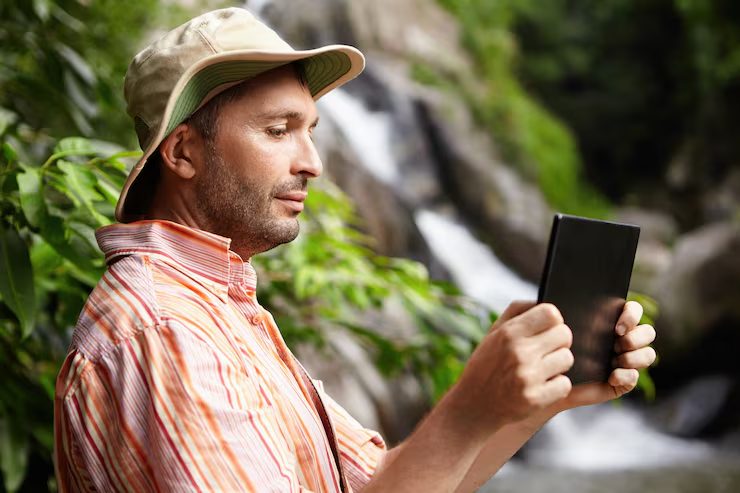
I mapped out everyone who might use EcoLink: local volunteers, field researchers, park rangers, NGO data teams, eco-tourists, conservation analysts, and people using citizen-science apps. Then I placed them along two axes: local vs. global reach, and just seeing results vs. needing real backend access. Seeing how different their needs were is what pushed me toward one flexible system instead of one-size-fits-all screens.
Design around a real decision: Sarah's day
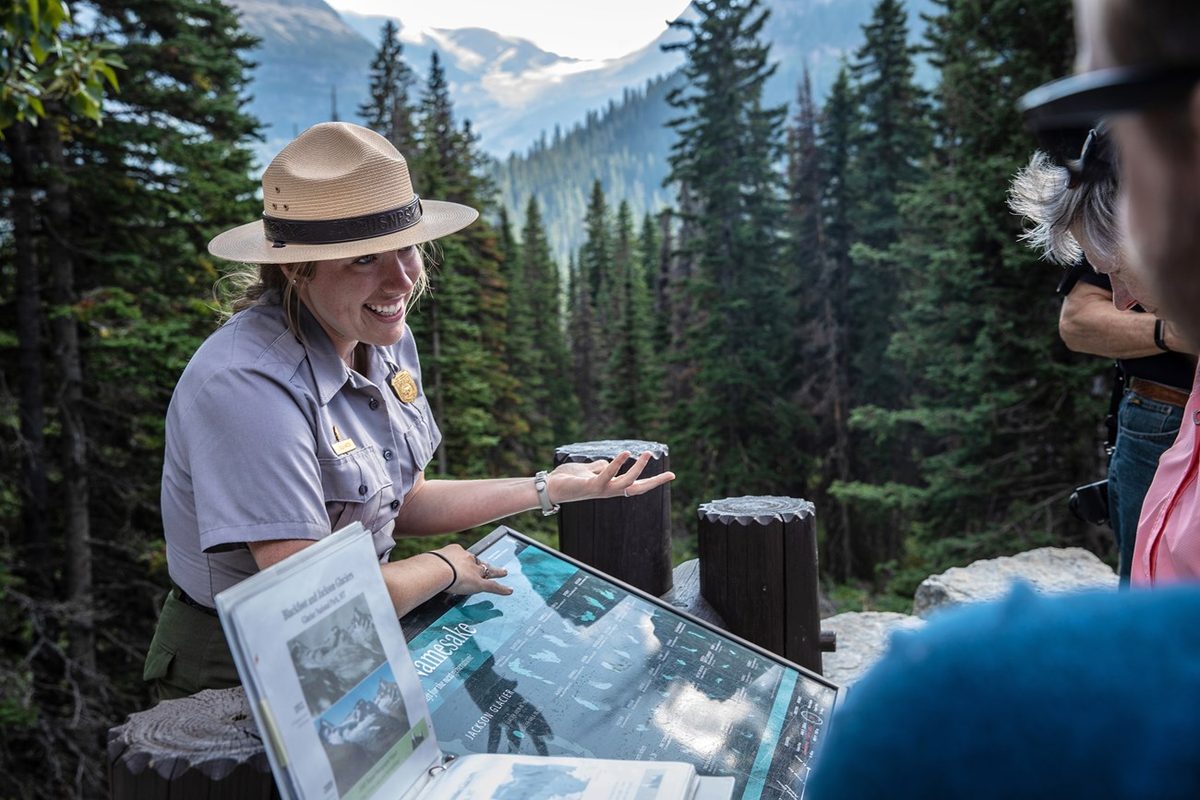
Sarah is a park ranger checking trail conditions. She opens EcoLink on her tablet, and it lays live temperature changes and animal movement over a map of the park. She notices the heat climbing and sees alerts that deer are moving toward shaded areas, so she reroutes visitors to keep that corridor clear. Writing Sarah's story kept the design focused on a real person making a real decision, not just data on a screen.
Process
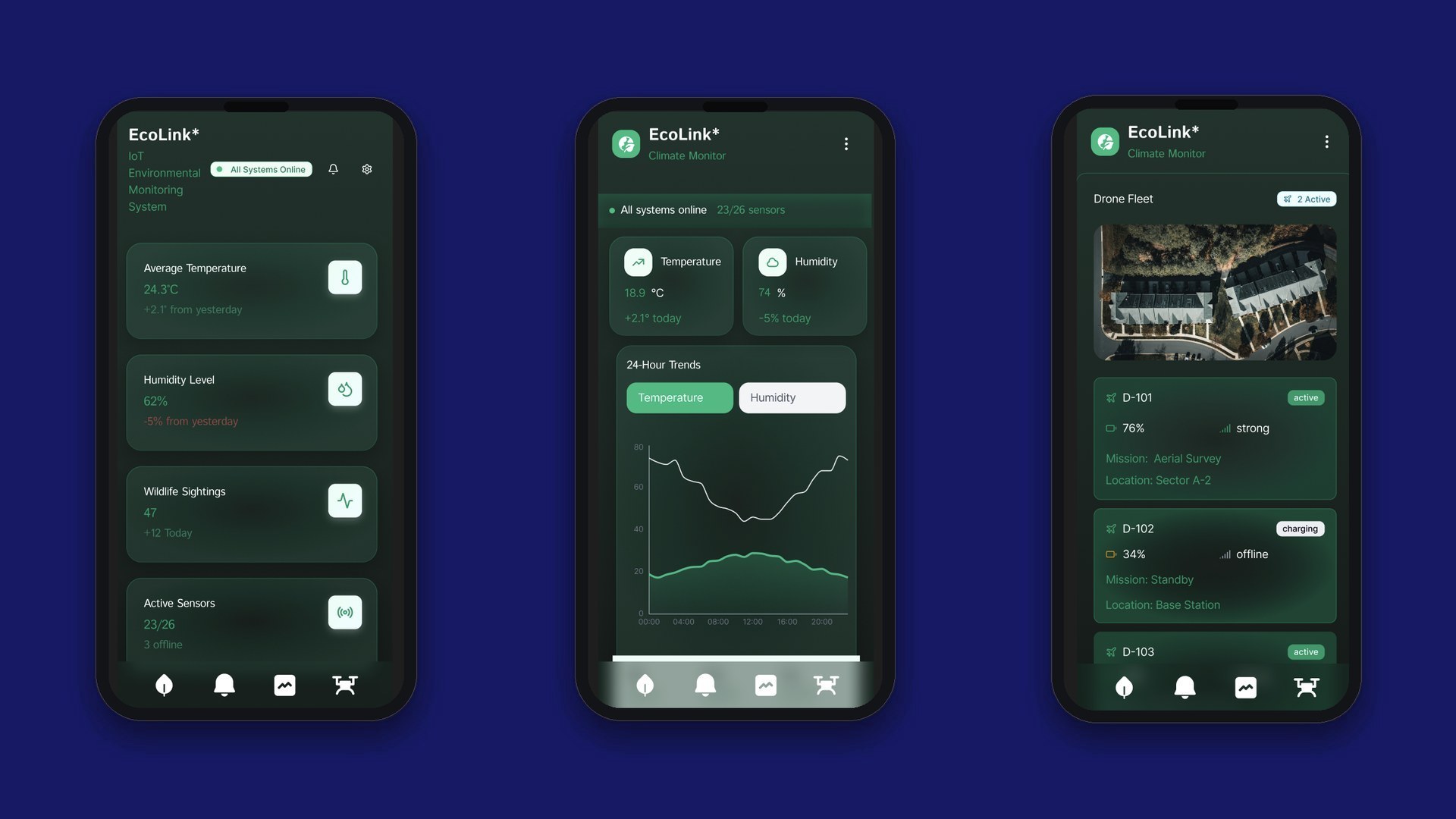
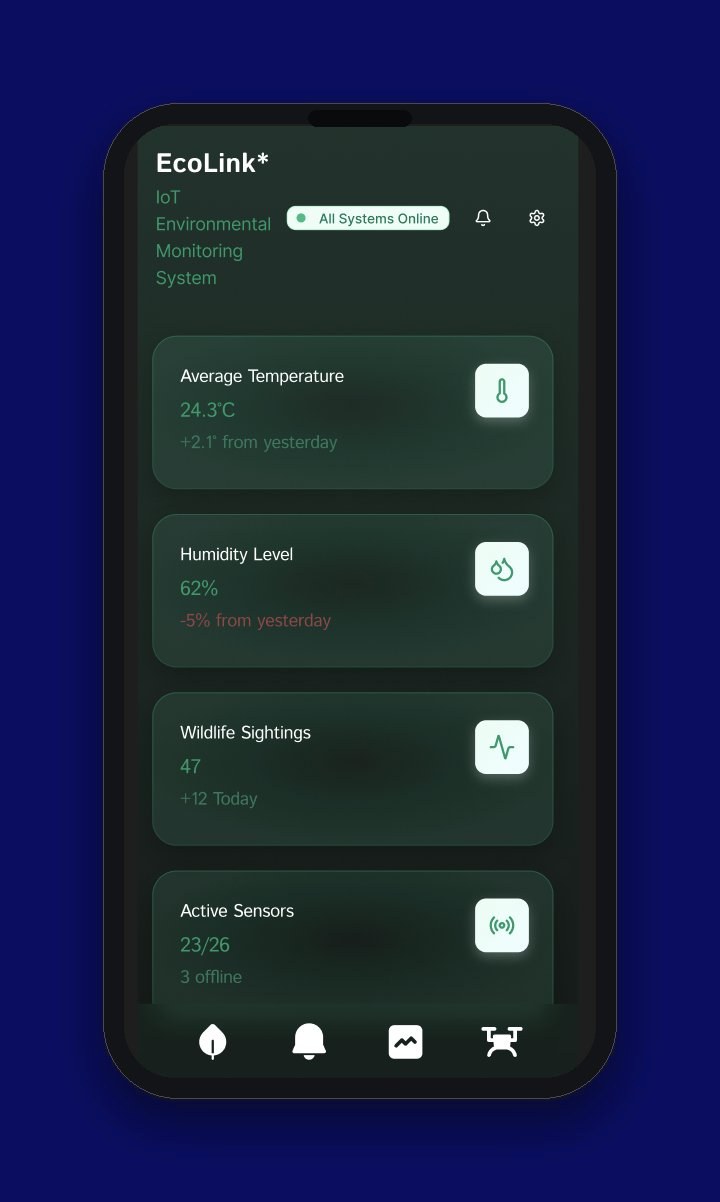
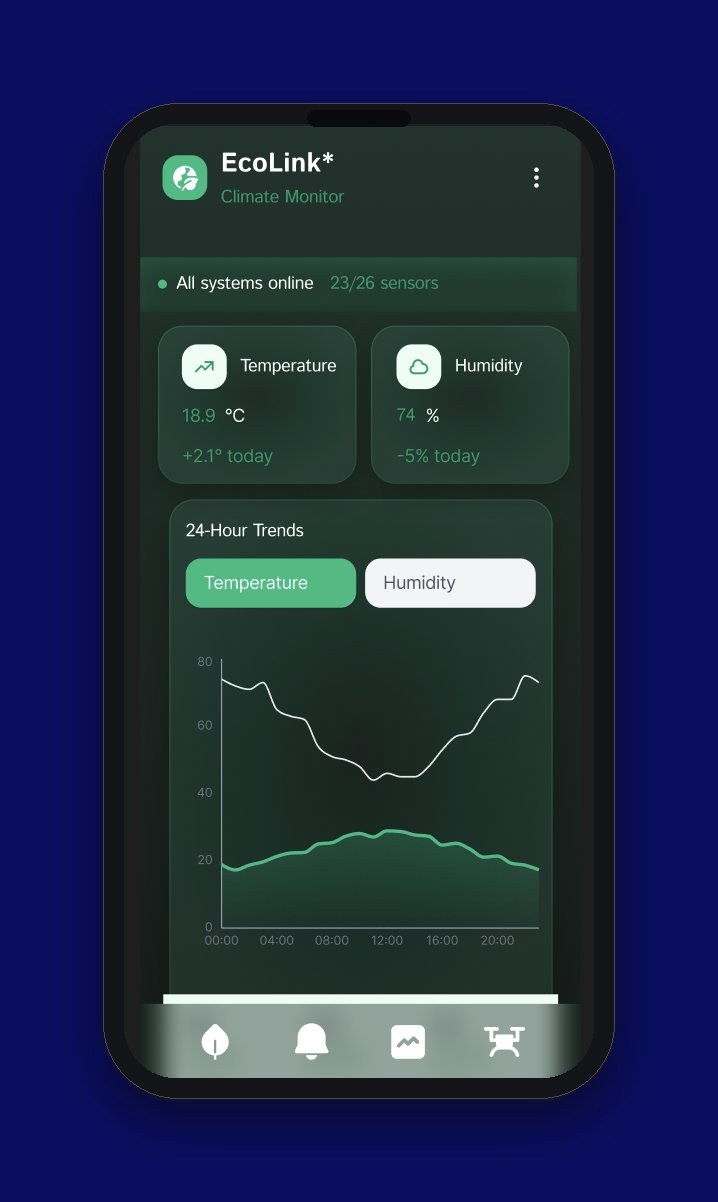
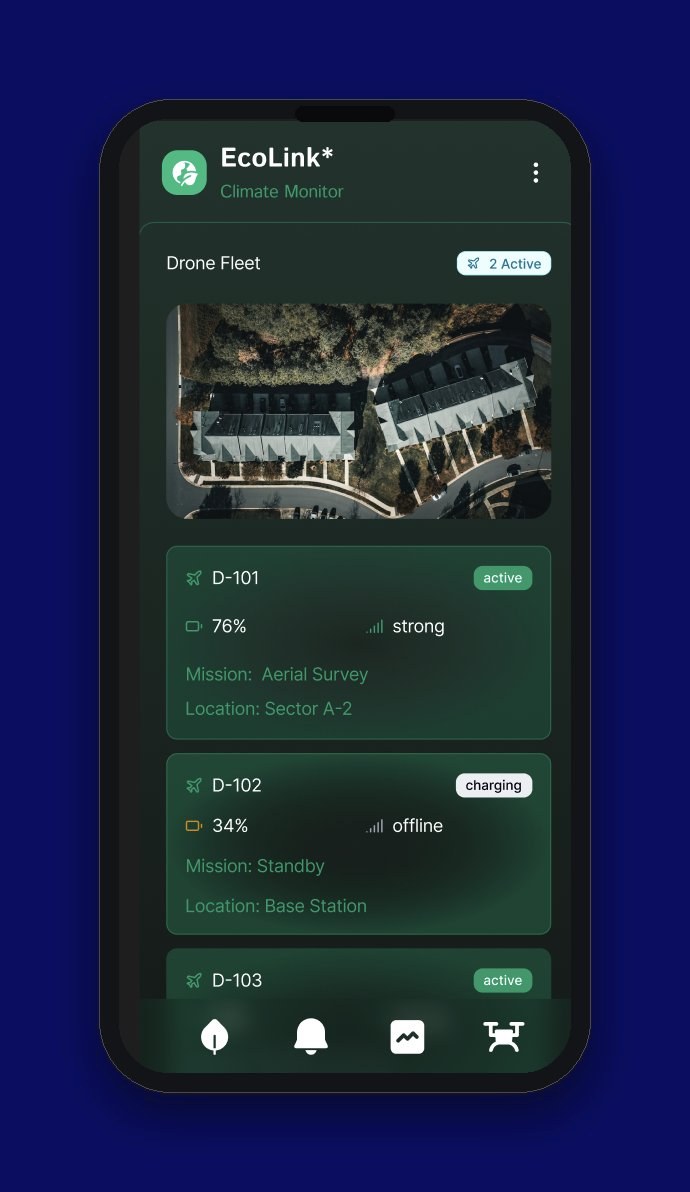
I designed EcoLink in Figma as one connected dashboard with three main views: environmental monitoring, climate trends, and drone fleet management. A ranger or researcher can move between them without losing sight of what's happening right now.
Outcome
Three connected screens that share one live picture of the ecosystem.
Live environmental dashboard
Temperature, humidity, wildlife sightings, and which sensors are active, all at a glance.
Climate Monitor
24-hour temperature and humidity trends, pulled straight from the connected sensors.
Drone Fleet
Live status, battery, signal strength, and mission details for every drone in the field.
What I’d test next
I'd give 3 to 5 park rangers or field researchers one task from Sarah's story: spot an unusual migration and decide whether to reroute visitors. I'd time how long it takes them to find the signal and ask what they'd do next, to see whether the dashboard supports a real decision or just displays data. I'd also test the Drone Fleet screen on a phone outdoors in bright sun, since that's where rangers would actually use it.
Reflection
- Wildlife data is scattered across tools that don't talk to each other. Camera traps, drones, acoustic sensors, and eDNA kits all work alone. Closing that gap was the real design problem, not any single screen.
- Mapping everyone from local volunteers to global NGO data teams made it clear that one interface had to work for very different levels of access and experience.
- Grounding the concept in Sarah's story, a ranger rerouting visitors after spotting a heat-driven migration, kept the design tied to a real decision instead of staying abstract.